Start from Home
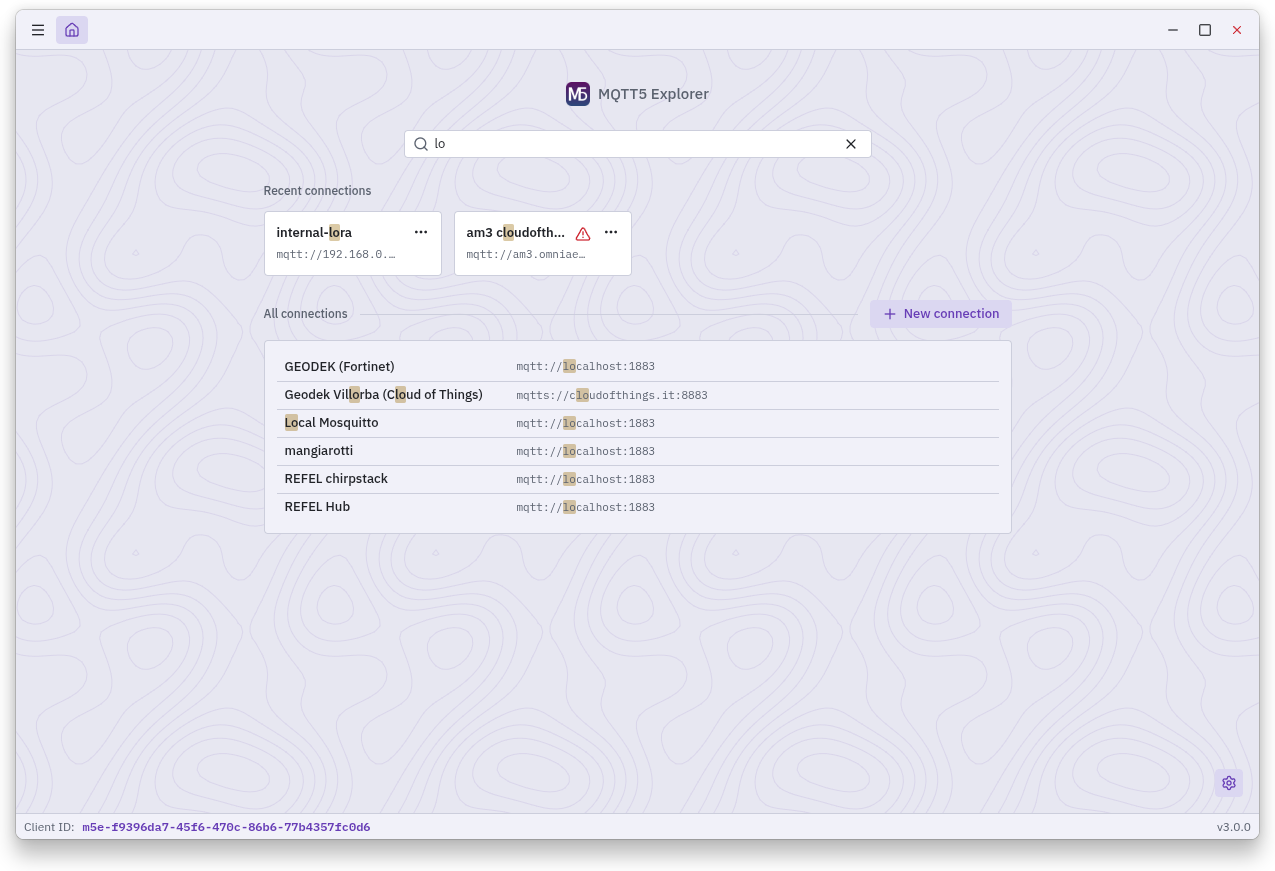
The Home tab collects your connections in one place.
- Recent connections as tiles, all the others in a list.
- One search field for connections and for topics in the open tabs.
- Type a broker URL to open a temporary connection.

MQTT5 Explorer is a free, open source desktop MQTT client for Windows, macOS and Linux. Browse, search and publish on MQTT brokers with full support for MQTT 5: properties, user properties and more. MQTT 3.1 and 3.1.1 work too.

Read and send message properties and user properties. MQTT 3.1 and 3.1.1 are also supported. TLS with CA and client certificates.
Each connection opens in its own tab. Several brokers stay live at the same time, with a counter for new messages.
Topics show as a tree with the last value inline. Open a topic to see its payload, history and properties.
Search topic names, or search inside payloads and properties with query::. Case sensitive, whole word and regex modes.
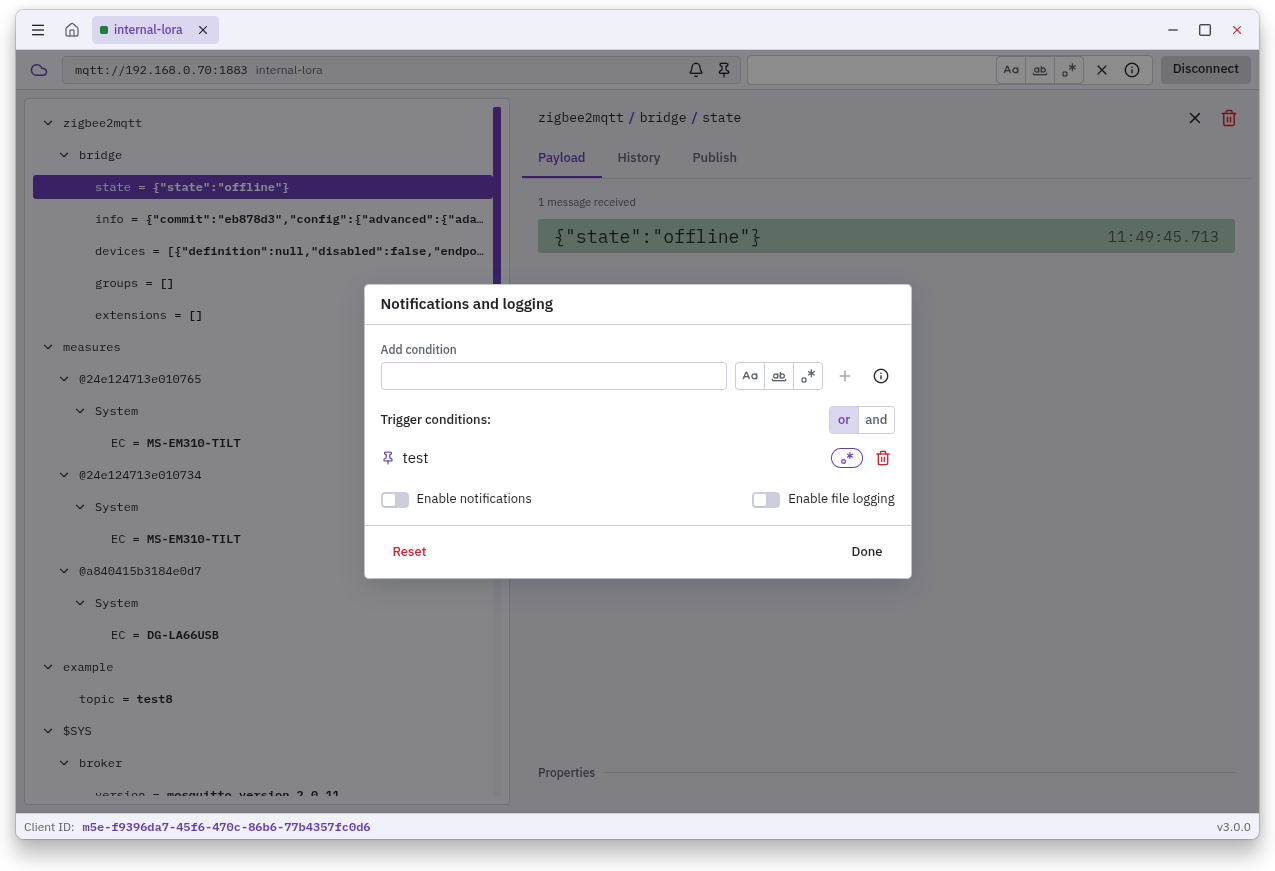
Set trigger conditions with or / and. Get a desktop notification or write the matching messages to a file.
Publish messages on any topic from the same view where you read them.
Pin your saved connections. Type a broker URL in the Home search and press Enter to connect at once.
Light and dark themes, your own primary color, font size and 9 Home wallpapers.
Shortcuts for tabs, search, settings and more. Press Ctrl + K to see them all.
The Home tab collects your connections in one place.
Every connection shows a live topic tree. Select a topic to see the details.
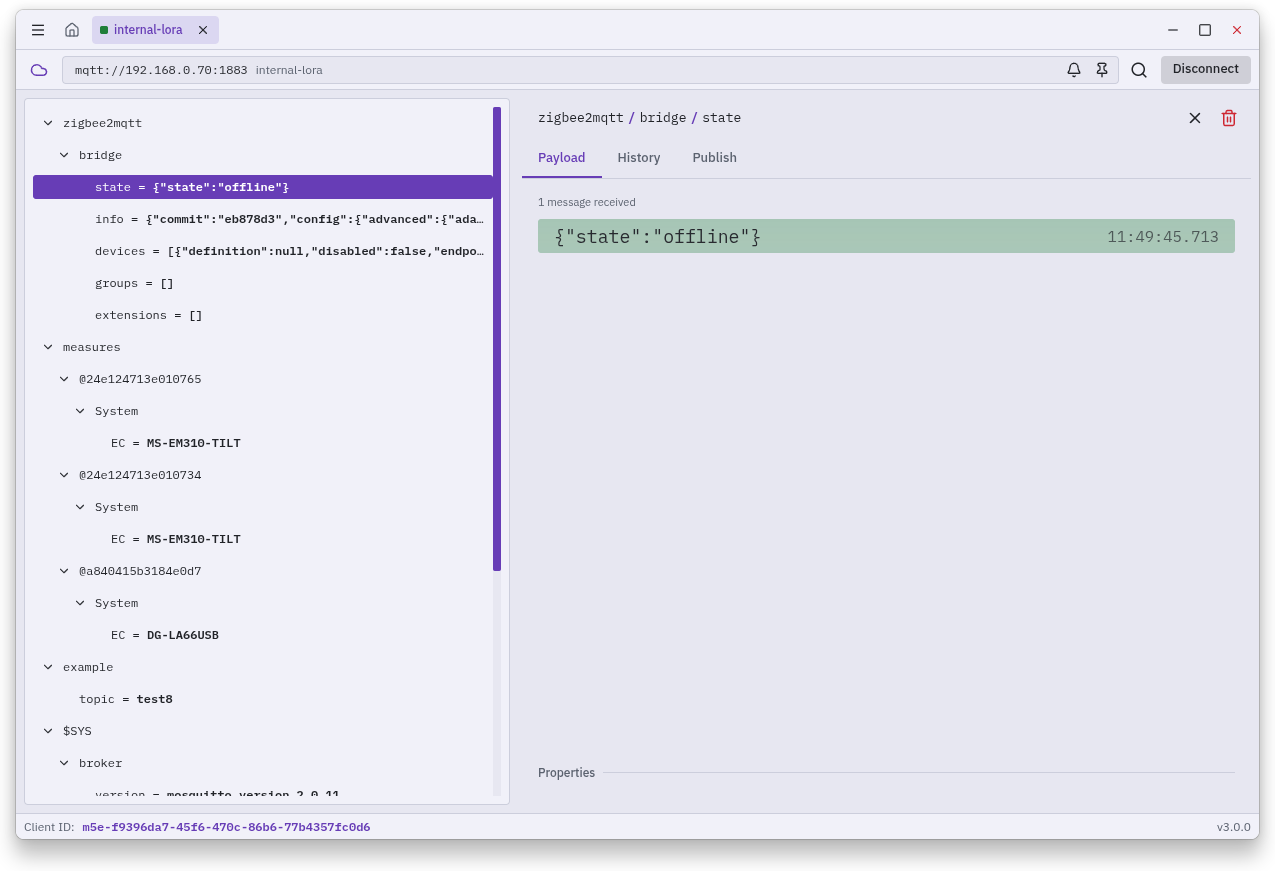
The search filters the topic tree while messages keep arriving.
query::properties.userProperties.key=value.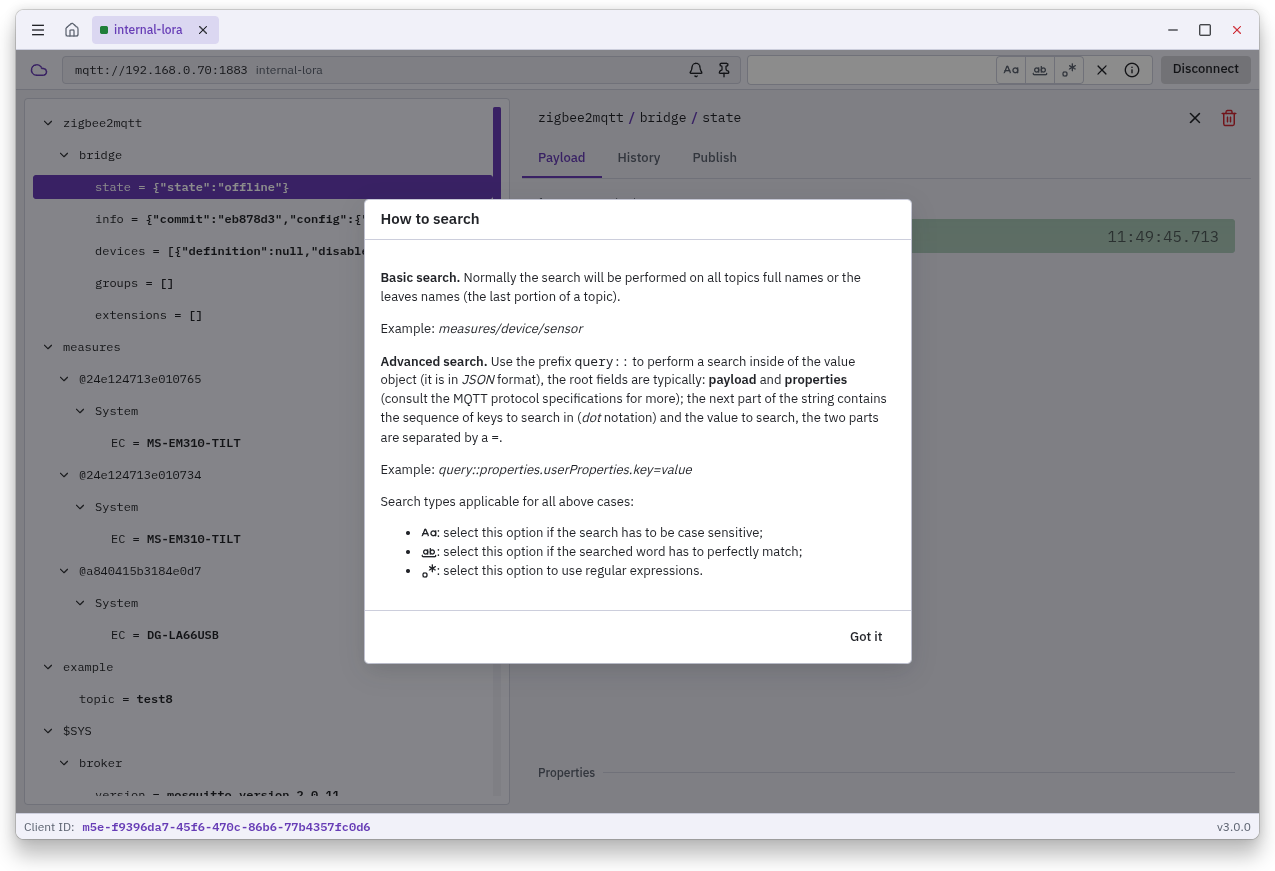
Watch for the messages that matter.
| Open settings | Ctrl + , |
| Toggle search | Ctrl + F |
| Notifications and logging | Ctrl + Shift + N |
| Focus the Home search | Ctrl + L or / |
| Next / previous tab | Ctrl + Tab / Ctrl + Shift + Tab |
| Reload the tab | Ctrl + R |
| Close the tab | Ctrl + W |
| Show all shortcuts | Ctrl + K |
Use Cmd instead of Ctrl on macOS.
MQTT5 Explorer is a free, open source desktop MQTT client. It shows the topics of a broker as a live tree, lets you read and publish messages and supports all the features of MQTT 5, such as message properties and user properties.
Yes. MQTT5 Explorer is free and open source under the GNU General Public License version 3 (GPL-3.0). The source code is on GitHub.
Windows, macOS and Linux. On Linux you can install it from Flathub, from the AUR (mqtt5-explorer-bin) or as an AppImage from the GitHub releases.
Yes. You can choose MQTT 3.1, 3.1.1 or 5.0 for each connection. MQTT 5.0 is the default.
The mqtt://, mqtts://, ws:// and wss:// protocols. Connections can use a username and password, TLS with a CA certificate, and a client certificate and key.
Yes. Use the prefix query:: followed by a key path in dot notation and a value, for example query::properties.userProperties.key=value. Case sensitive, whole word and regular expression options are available.
Yes. Each connection opens in its own tab and all tabs stay connected at the same time. A tab shows the connection state and the number of new messages it received in the background.